How to photograph dogs running with your phone
Use a safe, suitable setting with enough light, frame a little wider than the dog and use your phone’s burst feature to capture several moments. Start the sequence before the dog reaches the position you want, then compare frames for sharp eyes and a complete body. Burst gives you more choices; it does not guarantee sharp focus. Your phone model, available light and the movement still affect the result.
Commercial disclosure: This page has no affiliate links or paid placements. Example photographs are stock images, not PostPuppies contest entries or a camera test.
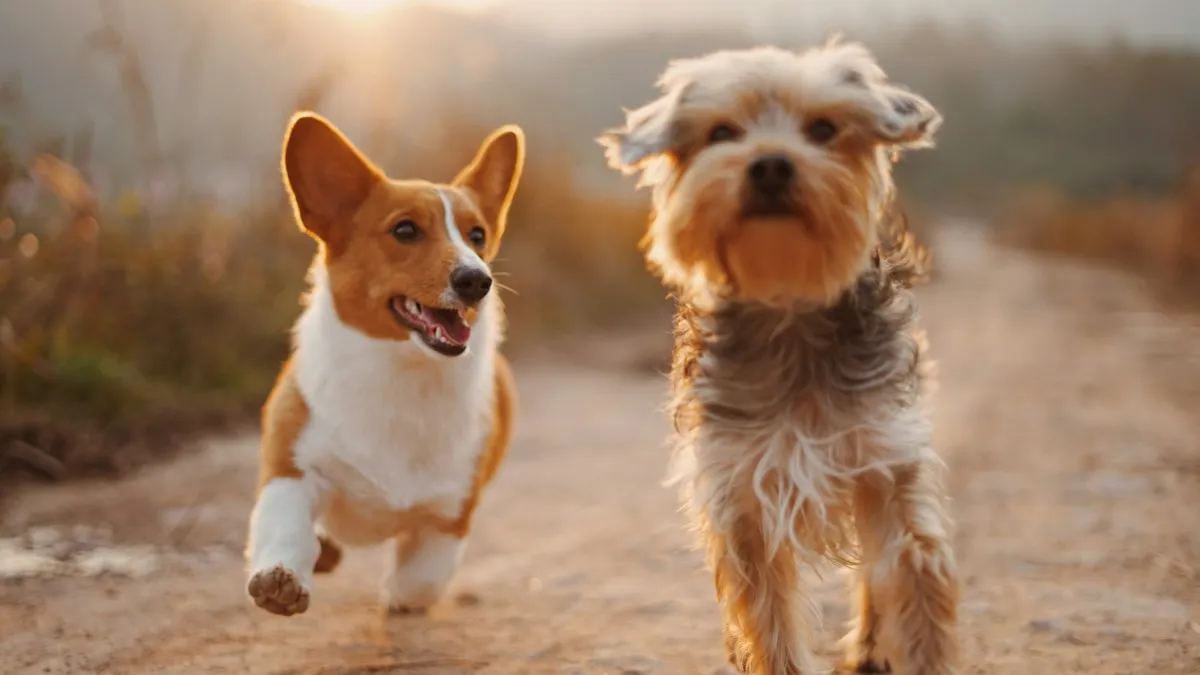
Choose the setup before photographing movement
Pick a suitable, permitted area where the dog can move safely and a responsible person can manage them. Photograph ordinary movement that is already appropriate for the dog; do not add jumps, risky throws or repeated strenuous runs just to produce a picture.
Set your position so you do not have to walk backward while looking at a screen. Leave space around the dog and avoid routes near traffic, other animals or obstacles. For a young puppy, a few steps of everyday play may be a better subject than a running sequence.
Learn the burst control for your phone
Apple’s current iPhone guide describes swiping the Shutter button to the left to begin rapid photos. Release to stop, then review the sequence and choose individual frames to keep. Check the instructions for your model and software version rather than assuming every camera behaves the same way.
On other phones, find the manufacturer’s burst or continuous-photo instructions and practise on an ordinary moving subject first. Holding a shutter button may start video in some camera modes.
Further reading: Apple: Capture action shots with Burst mode.
Check a sequence in a useful order
Pick a small number of frames before editing. This keeps you from spending time on a favourite expression whose focus or framing does not work.
| Check | What to inspect |
|---|---|
| Safety | Only keep shooting while the activity and setup remain suitable |
| Framing | The dog has room around ears, paws and the direction of movement |
| Focus | Enlarge the eyes and face rather than judging the thumbnail |
| Moment | Choose the expression or position you actually like |
| Background | Check for distracting objects before deciding on a crop |
Make one adjustment for the next attempt
If every frame is soft, first check the lens, focus behaviour and available light. If body parts keep falling out of frame, step back safely before the next attempt or choose a wider composition. Keep your comparison simple so you can tell which change mattered.
Canon’s pet-photography guidance encourages trying different viewpoints. Once your basic framing works, compare a lower angle with a standing-height angle from a safe position. Avoid repeatedly moving the dog just to recreate a scene.
Further reading: Canon: Pet photography tips with Jenn Cooper.
Common questions
Does burst mode stop motion blur?
No. It records more frames. Focus, light and the camera’s exposure behaviour still affect whether the subject looks sharp.
Is there one shutter speed every phone should use for dogs?
No single setting is promised here. Phone capabilities and light vary. Use the available camera controls, inspect the result and follow the manufacturer’s instructions.
Should I use portrait mode for a running puppy?
Start with the camera mode whose focus and burst controls you understand. Portrait effects and fast movement can be difficult to combine reliably; inspect fur edges and focus before keeping a frame.
A little more help.
How to take better dog photos with your phone
A practical phone portrait guide: get to eye level, choose a simple background, focus on the eyes and compare a short set of photos.
Read guidePhotographyHow to get your dog’s attention for a photo
Plan a calm dog-photo session with a familiar toy or agreed reward, a simple framing setup and a short shot list that does not depend on forced poses.
Read guideEveryday routinesHow to plan a puppy daily routine you can actually follow
Build an editable puppy routine around existing feeding advice, rest, toilet opportunities and household availability, with a practical handover example.
Read guide